
OpEx forecasting & stewardship
Operating Expense Budgeting & Forecasting
Barreleye OpEx replaces the stack of LOE workbooks with one model your whole team builds, where every dollar traces back to the rule that produced it. Ask “what if?” and Claude runs it in a sandbox in hours, not weeks, without pulling a single engineer off their work.
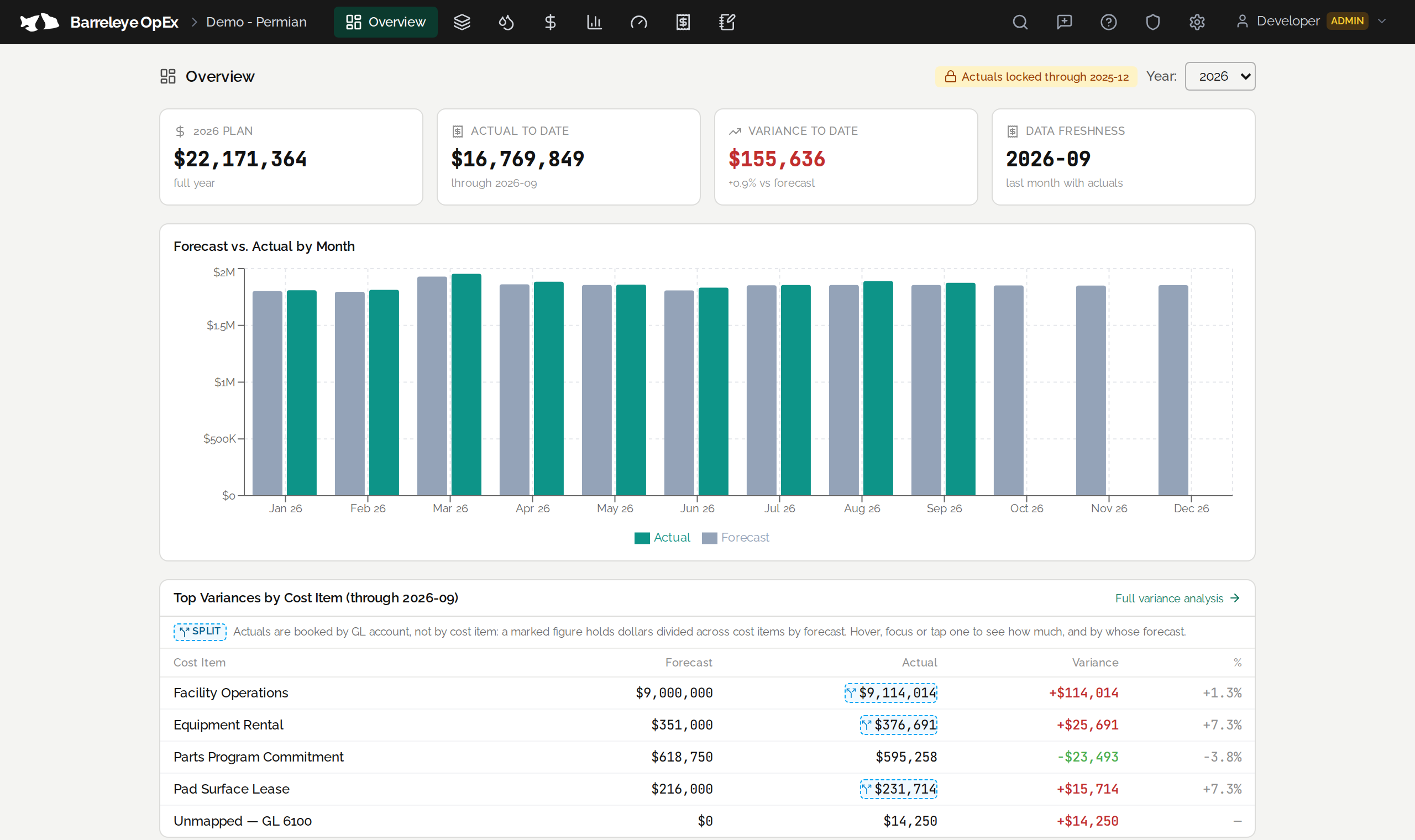
Overview
The LOE workbook had a good run.
But it lives in one file per engineer, and one “what if?” from management stops the team for days.
Barreleye OpEx (BOpEx) puts the operating budget in one model the whole team builds with the same rules: import your wells and facilities, load per-product production volumes, and write the rules that turn volumes into cost.
Then your AI agent works inside that model to help build cost models, explain the logic, analyze trends and explore what-if scenarios. BOpEx replaces the LOE workbooks with a single standardized home for your OpEx forecasts.
The spreadsheet way, today
- What-ifs are slow and disruptive. Several engineers rework their own models and send them back to management.
- Every engineer has a bespoke sheet. Roll-ups and actual-to-forecast reporting are hard.
- Staying current is manual. Well lists, production and actuals are re-keyed, and errors creep in.
- Formulas become a maze. Bugs hide, and whoever inherits the sheet struggles to adopt it.
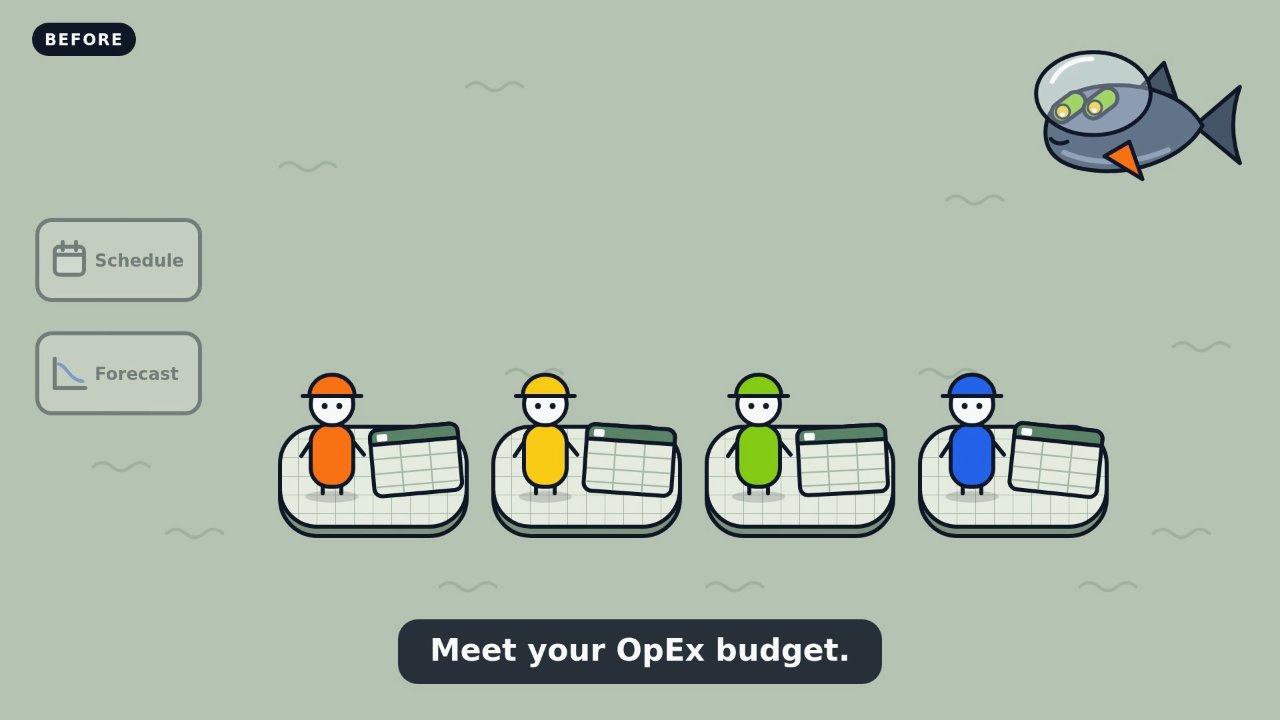
If you work with OpEx budgets or tracking, BOpEx will change the game. Completely.

Real questions we help you answer
- If we change artificial lift on new wells, or convert a pad to gas lift, what does that do to power, chemicals and the overall OpEx budget?
- What does deferring ten wells do to next year’s operating cost?
- If we switch chemical vendors next year, what does that do to the whole LRP?
- Why are we over budget this month, and which accounts and wells caused it?
- What is our cost per BOE by area, and where is it rising?
- The engineer who built this has moved on. Where does this number come from?
At a glance
Build the budget, check it against actuals, and test a what-if, in one model.
You load
Wells, pads and facilities with their attributes; production forecasts by product; GL-coded actuals.
You write
Cost rules, written once: formulas, conditions, effective dates, priorities and escalation curves.
You get
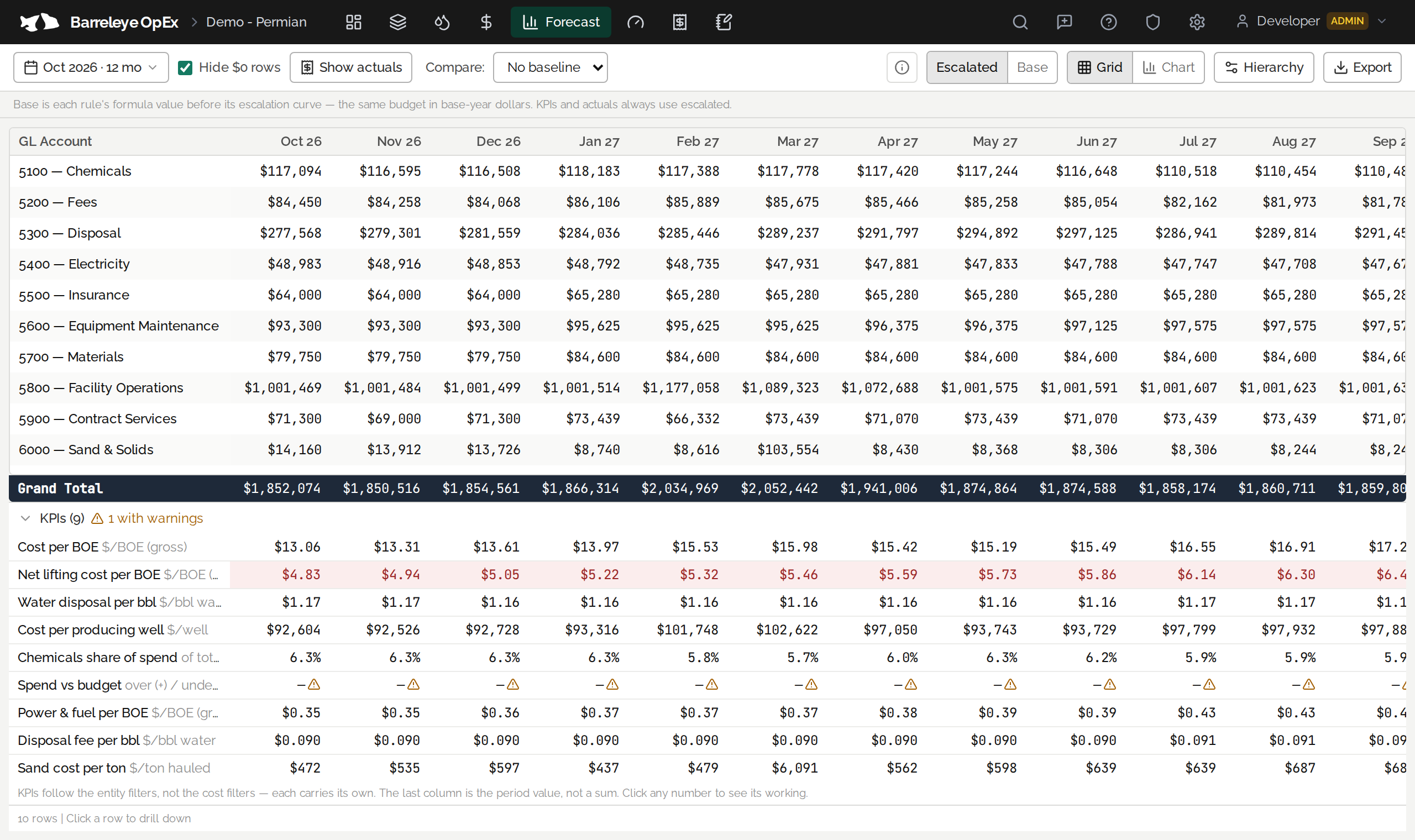
A justifiable budget by well, account and month; variance to actuals; cost per BOE; a live Power BI feed.
“What if?”
Ask Claude.
Claude, or your AI agent of choice, works inside BOpEx. It makes the change in a copy of the plan and shows the difference, line by line. The working plan is untouched, and the rules still calculate every number.
Why it matters
What-ifs without the wait
Today a what-if goes out to every engineer and comes back days later, built on different assumptions. In BOpEx you create a sandboxed what-if and compare it with the original. Ask Claude, or run it yourself. You do not need to be an expert in every model, or in the tool.
The budget stays when people move
When an engineer leaves, a workbook’s logic leaves with them. In BOpEx the logic is written as rules anyone on the team can read, with notes, a change history, and Claude to walk the next owner through it.
In their words
A couple of hours to build several long-range scenarios that would have taken me days in Excel.
The seamless AI agent integration helped me find trouble in my model before I knew it was there.
We’re trying to capture multiple budgets in one place, where each budget has its own owner.
Please don’t make me go back to my spreadsheet.
Paraphrased from conversations with BOpEx users.
Features
Budgeting and tracking, in one place
Cost rules anyone can read
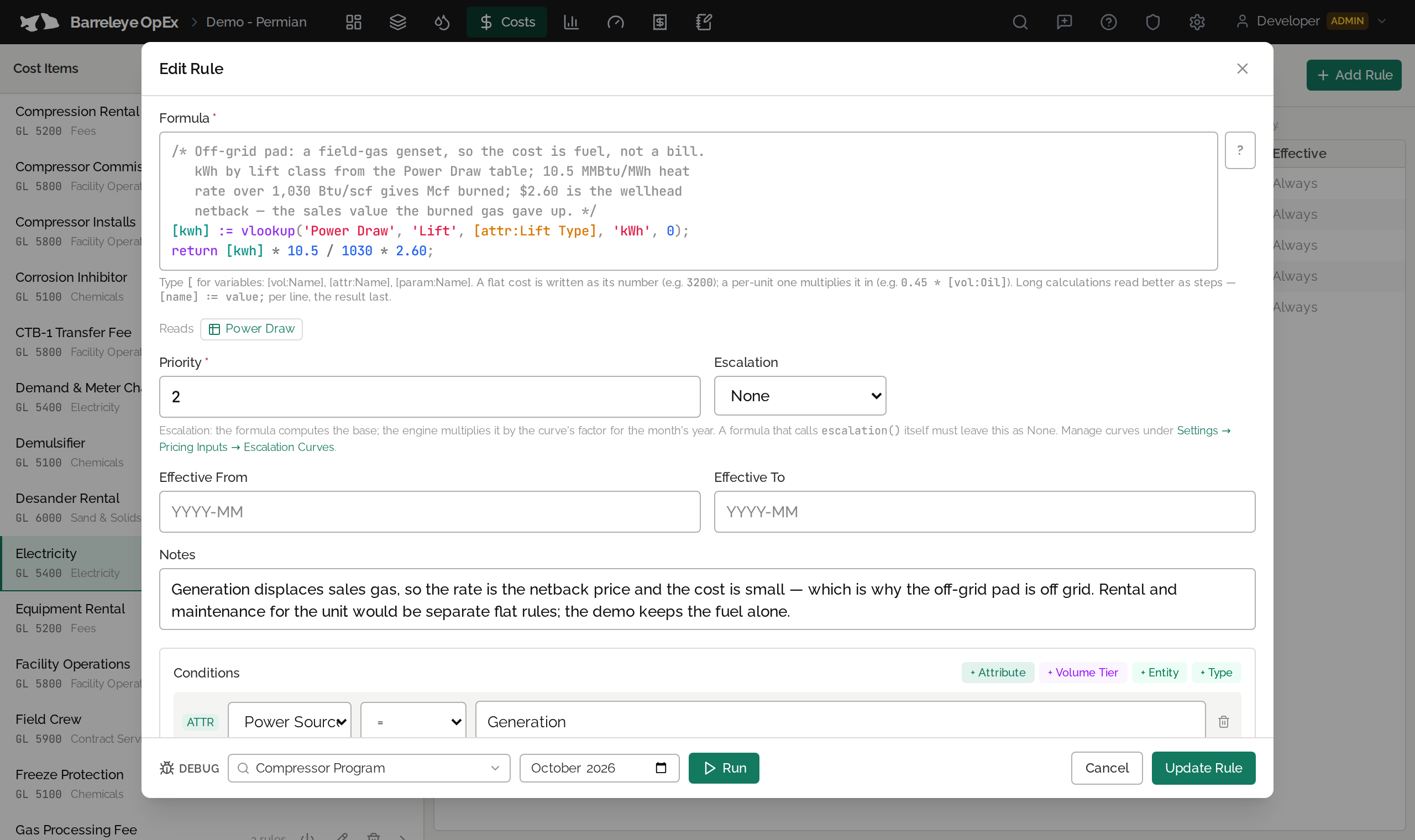
Write a rule once and it runs for every well, every month. Tiered rates, allocation by throughput, date-stepped contract rates and escalation are all rule logic, with notes beside the formula and a debugger that shows its working for any well and month.
Formulas are checked when they’re saved, and every dollar traces back to the rule behind it.
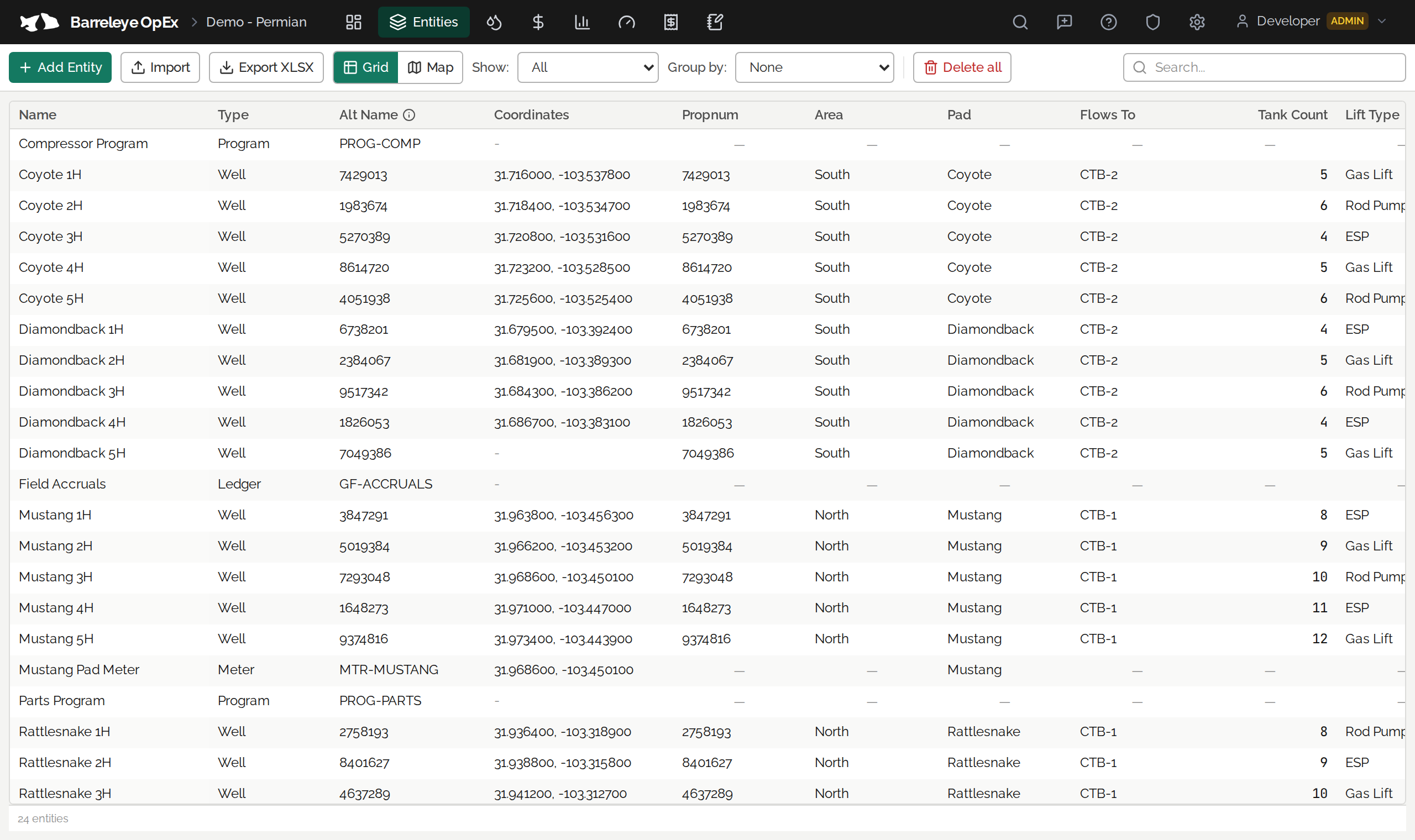
Wells, facilities and the attributes that drive spend
Model wells, meters, facilities and programs, or any type you define. Add the attributes that drive spend, such as area, vendor, lift type and working interest, and import the list instead of re-keying it.
Budget vs. actuals, and KPIs at every level
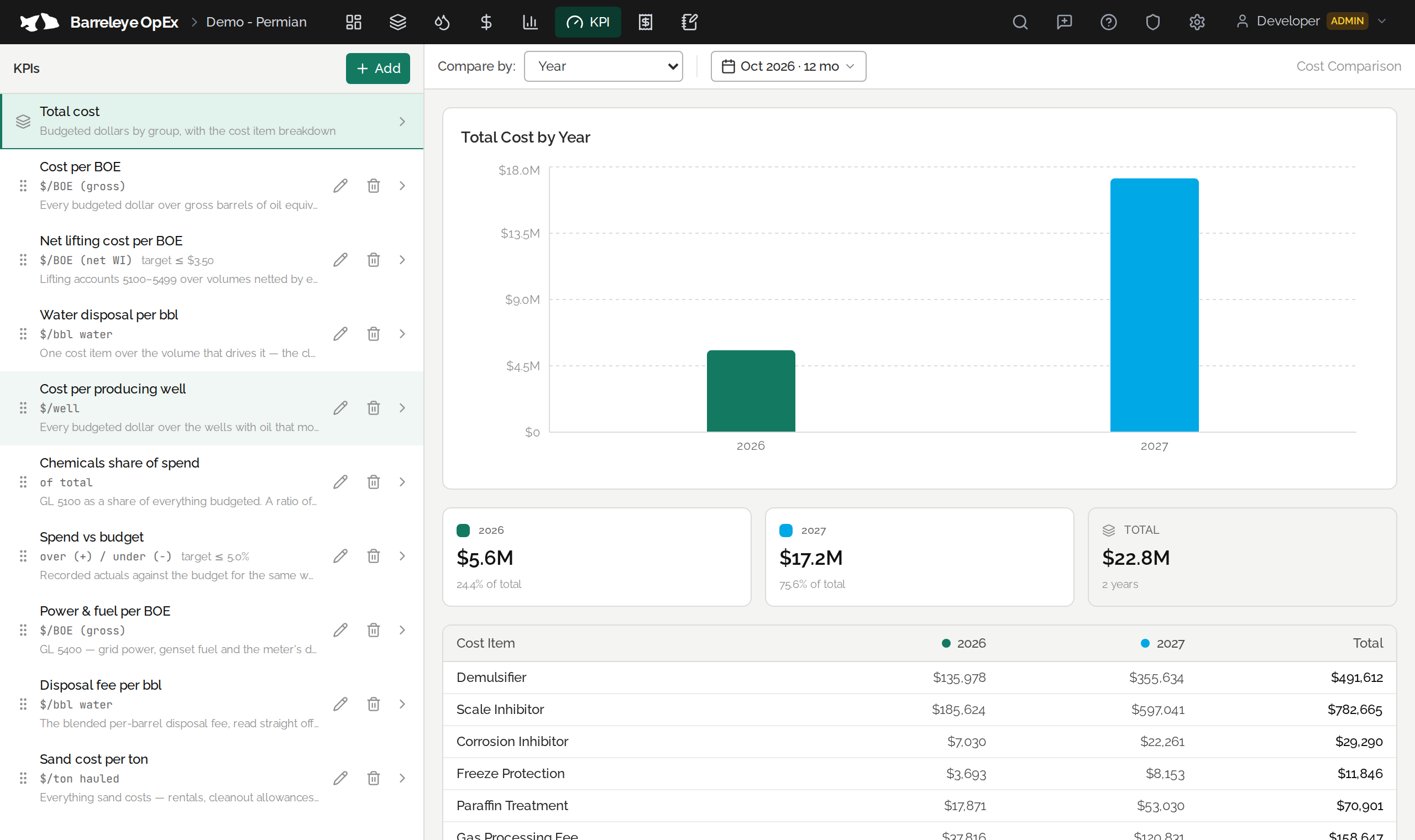
Import GL-coded actuals and see variance by account, well and month. Mark a variance as timing or a saving, and lock closed months so actuals stop moving.
Define cost per BOE once and read it at every level, from a single well to the whole project.
What-ifs
Copy the plan, change a rate, a vendor or a schedule, and compare it line by line with the original, without touching the working plan.
Live reporting
A read-only feed gives Power BI, Excel and Tableau the budget, volumes and actuals, so everyone sees the same figures.
Checkpoints
A checkpoint is taken automatically before imports and bulk changes, so you can compare with, or return to, any earlier version of the plan.
What you get
Four things change
What-ifs, no waiting
Ask Claude. It runs in a sandbox copy, so nothing breaks and nobody on the team has to stop.
One set of numbers
One model feeds your dashboards and BI tools live, so everyone sees the same figures.
Handovers, no archaeology
The next engineer inherits a documented model they can read, not a maze of formulas.
Models you can trust
Formulas are checked when they’re saved, and every dollar traces back to the rule behind it.
Available now
BOpEx models any operating cost line today, from chemicals, power and compression to rentals, field crews and surface leases. Cloud-hosted, with single sign-on, and accessible to your AI agent. Engineers forecast and track their OpEx; management rolls it up and runs its own scenarios.